
Introduction
It's been a while since we launched our ChargerLAB POWER-Z KT002. While it's been a favorite among tech enthusiasts, we realized we haven't provided detailed tutorials. Let's jump in by introducing the protocol detection feature.
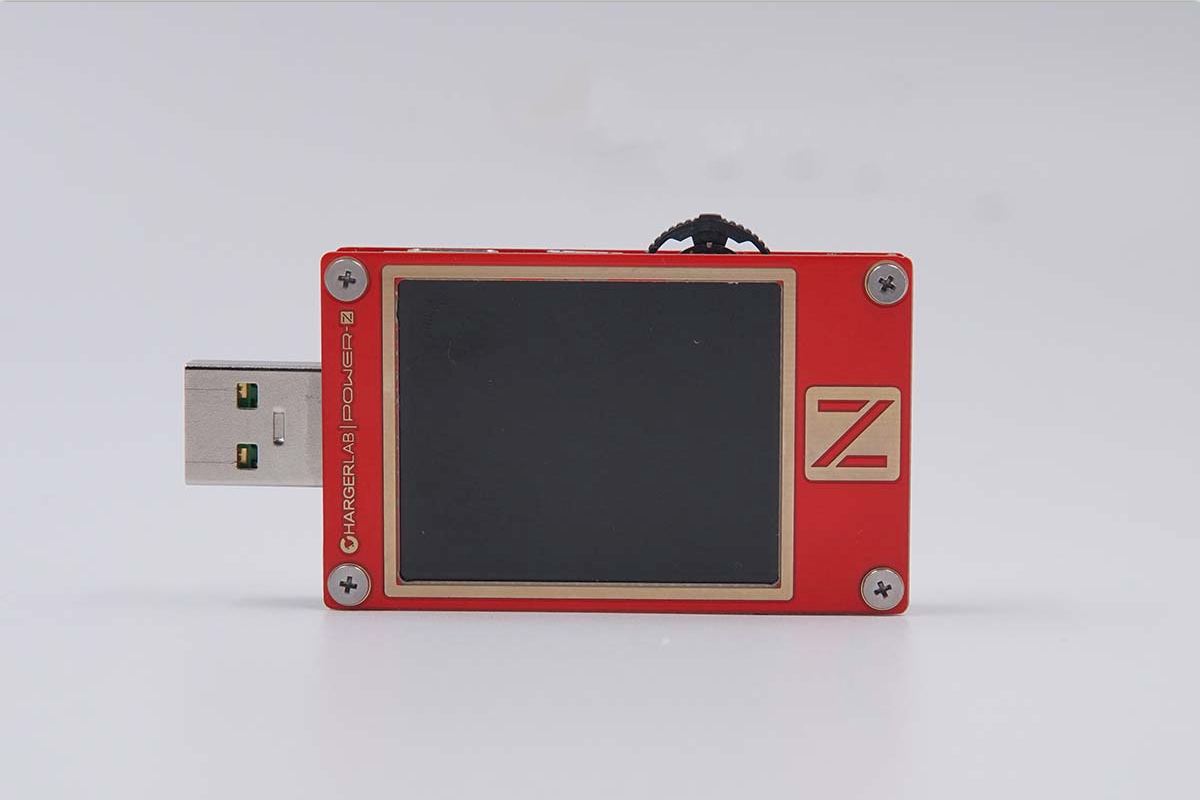
Since it has only one button - MultiKey, the operation is a bit complex, and we already divided it down into three sections in our pervious article of unboxing of the ChargerLAB POWER-Z KT002, you can go check it out.
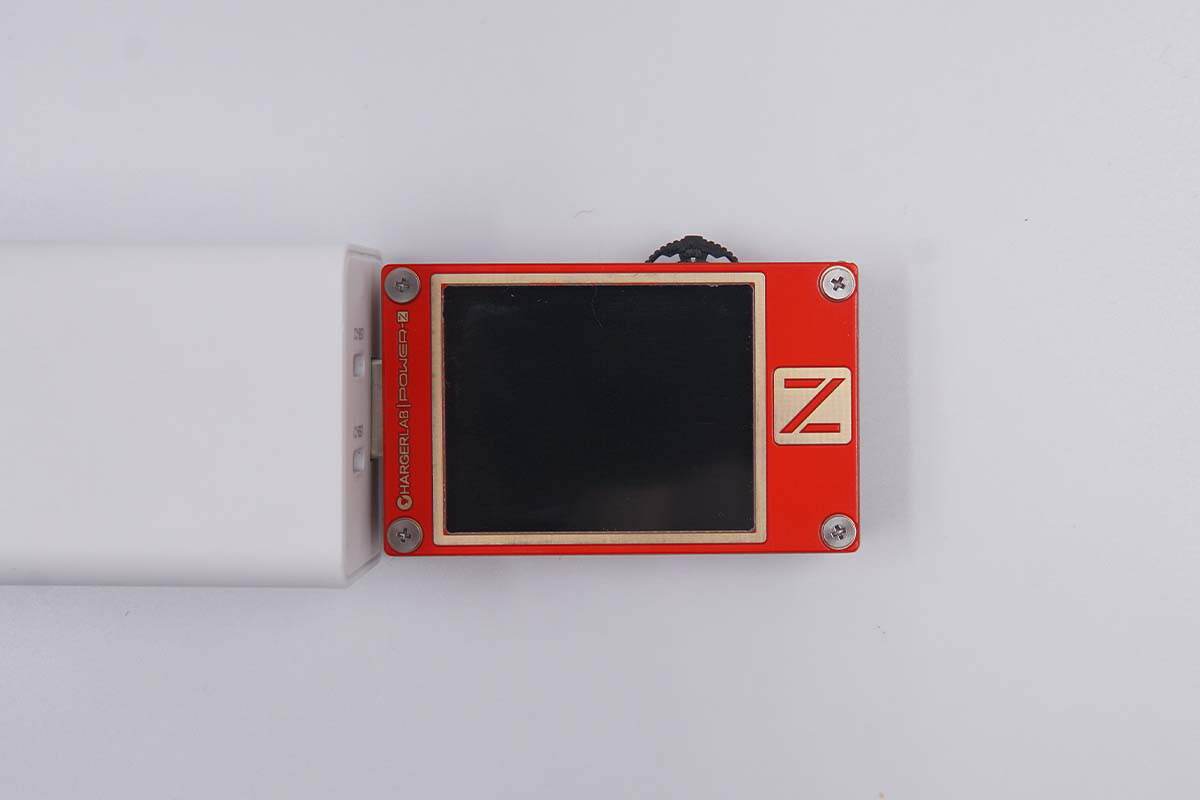
First, when testing a USB-A charger, like this Huawei charger, simply connect its male plug directly to the tester.
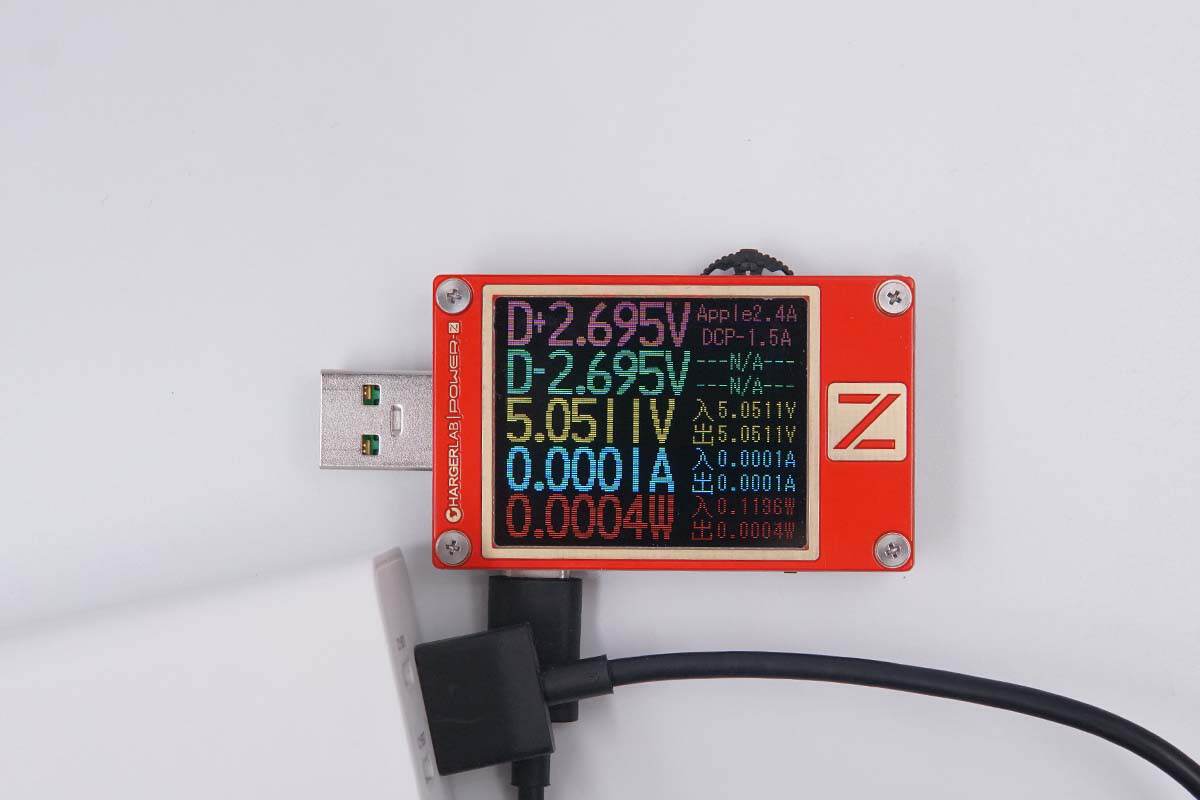
Of course, you can also use a USB-A to USB-C cable to connect the KT002's USB-C port to the charger. This is more convenient because you don't have to tilt your head to see the test data.
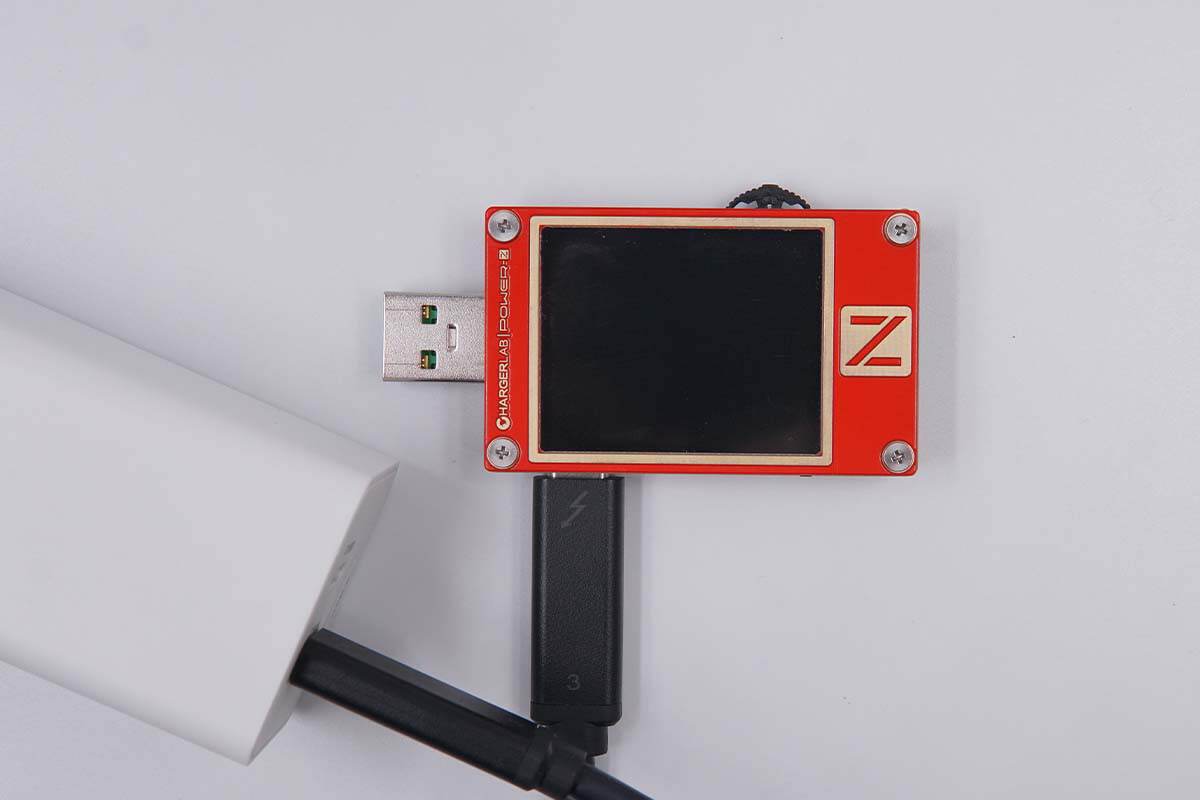
You can also use a cable to connect a USB-C charger, but it has to be a dual USB-C cable.
Test
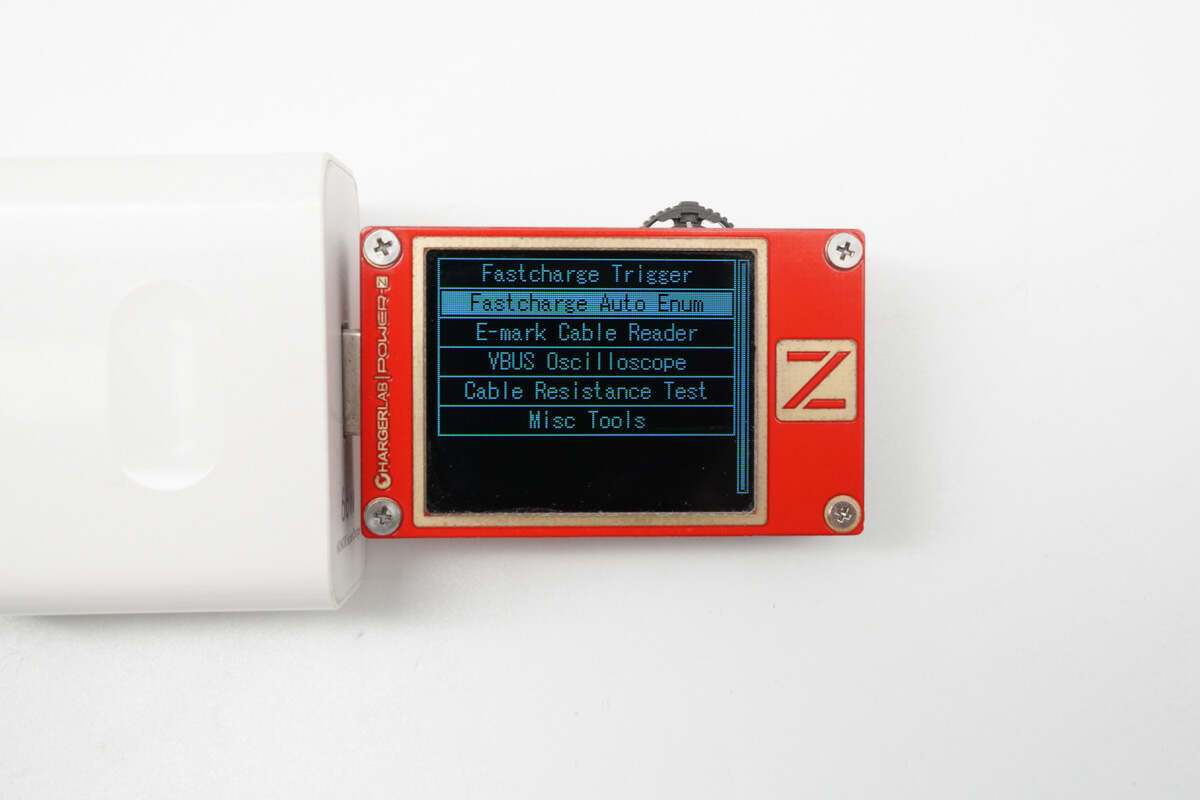
Once the KT002 and charger are connected, press the MultiKey to the left, select "Fastcharge Auto Enum," and press it again.
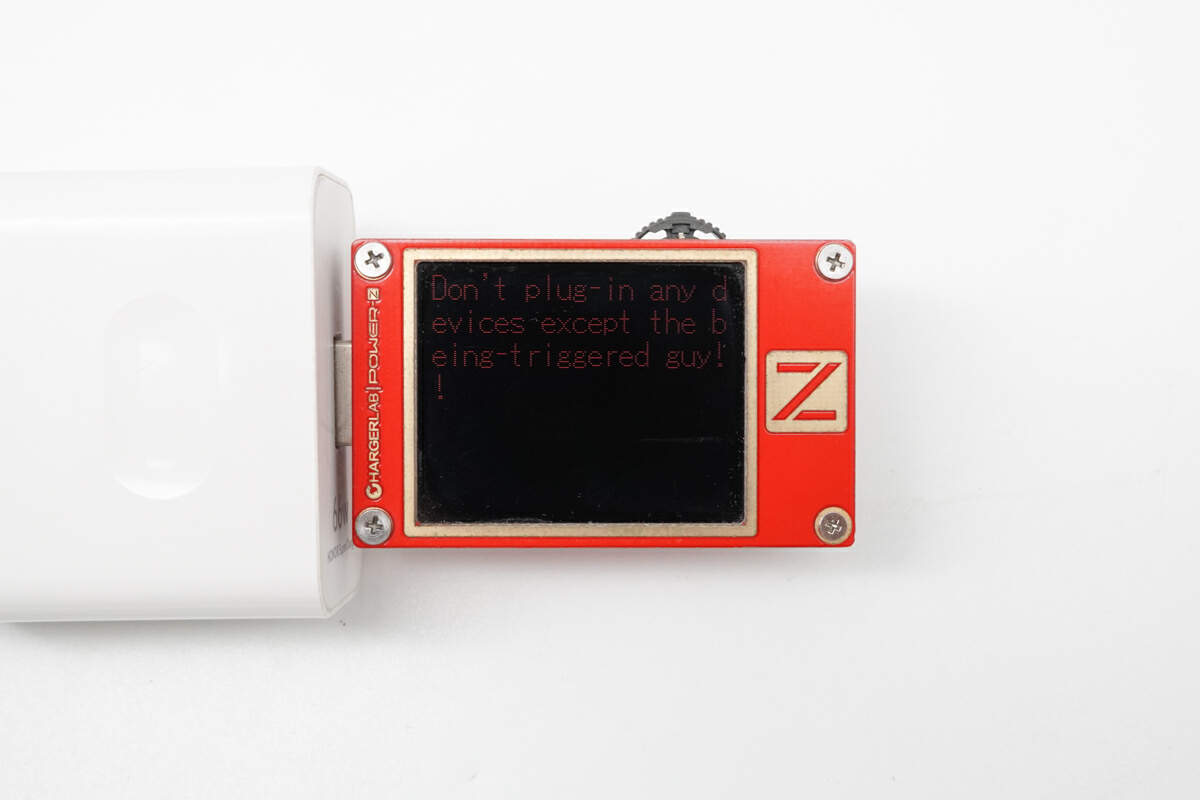
Then, you will get this note. It means you need to disconnect any device connected to other ports, because the high voltage may ruin your device.

After a short wait, it will end with a beep, and the results will be presented in the form of a checklist. Specifically, the supported protocols will be displayed in green, while the unsupported ones will be in red, making it very intuitive.

Now, let's switch to a USB-C charger. You can see this 1A2C GaN charger supports many protocols, covering most fast charging needs of current phones.
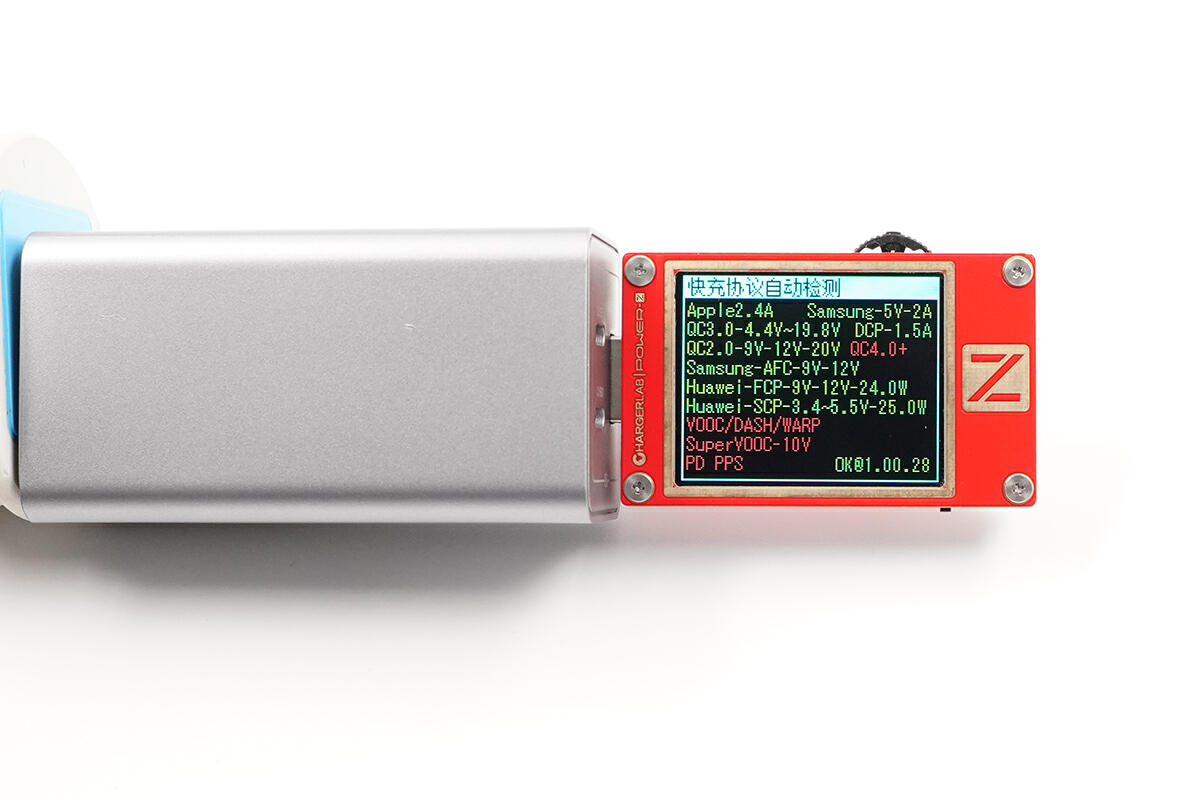
Here are the test results for a Nubia GaN USB-A charger.
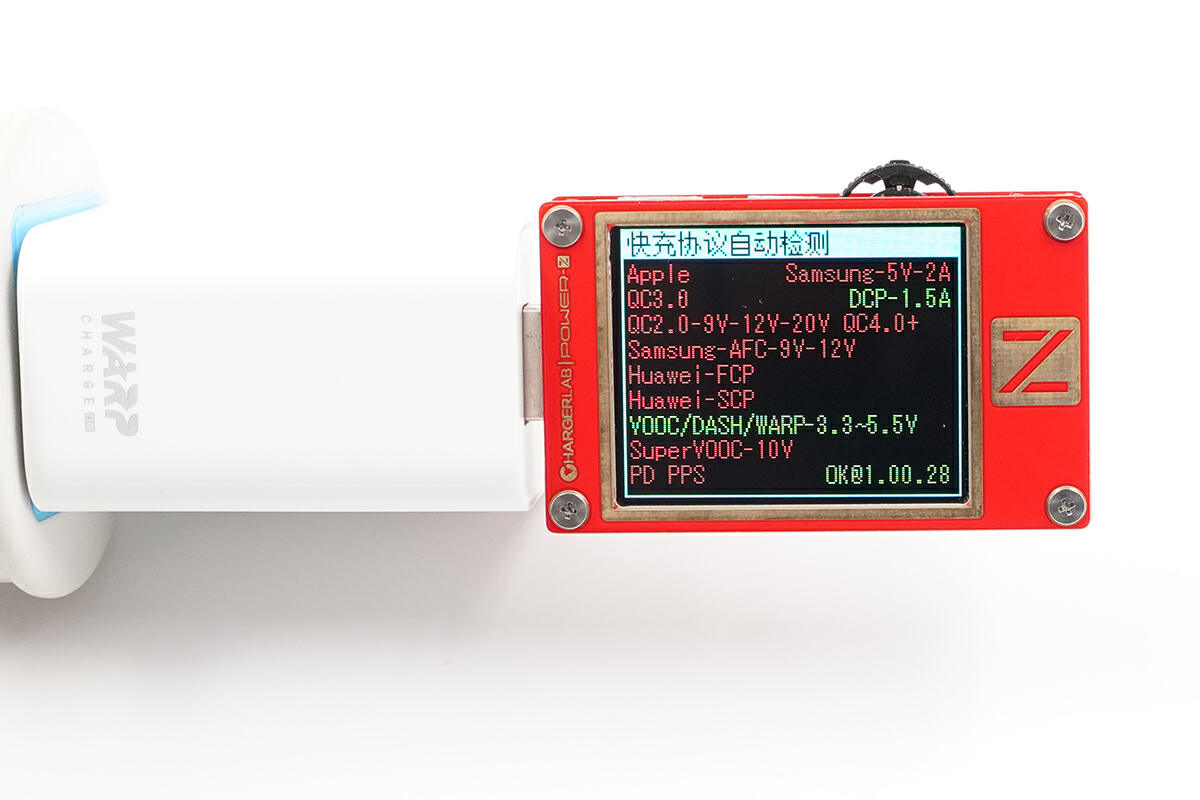
Since it's a phone's original charger, this OnePlus WARP charger supports fewer protocols, making it less suitable for other devices.
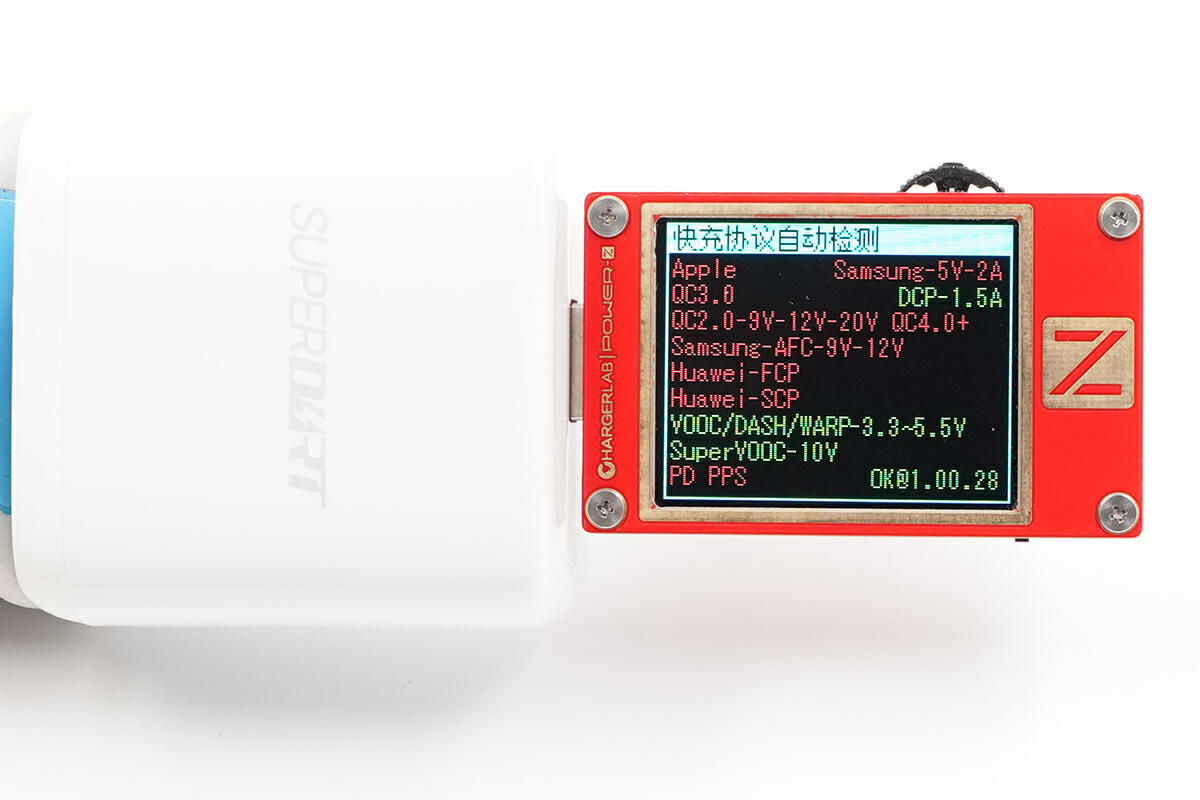
Realme, a subsidiary of OPPO, has a SuperDart charger with similar support to OnePlus, but with an additional 65W SuperVOOC protocol.
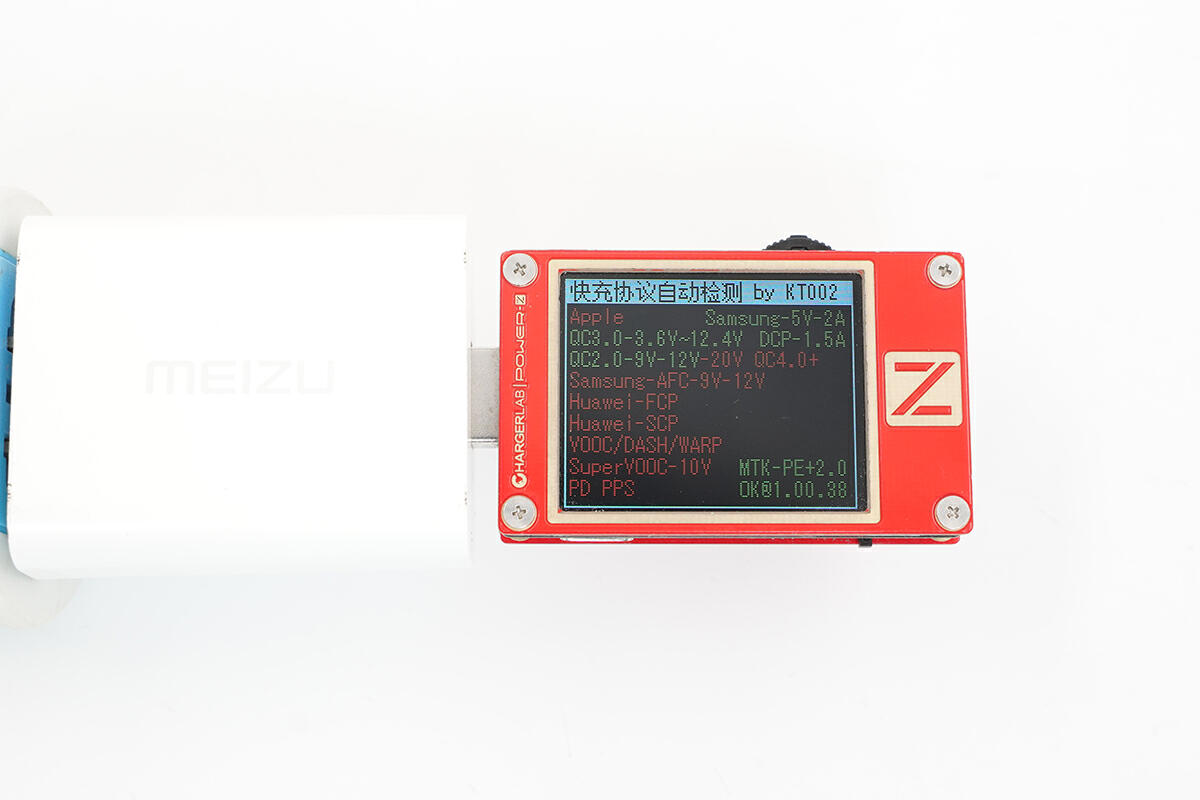
Furthermore, it can detect less common protocols, like the PE+/PE+2.0 protocol of this Meizu charger.
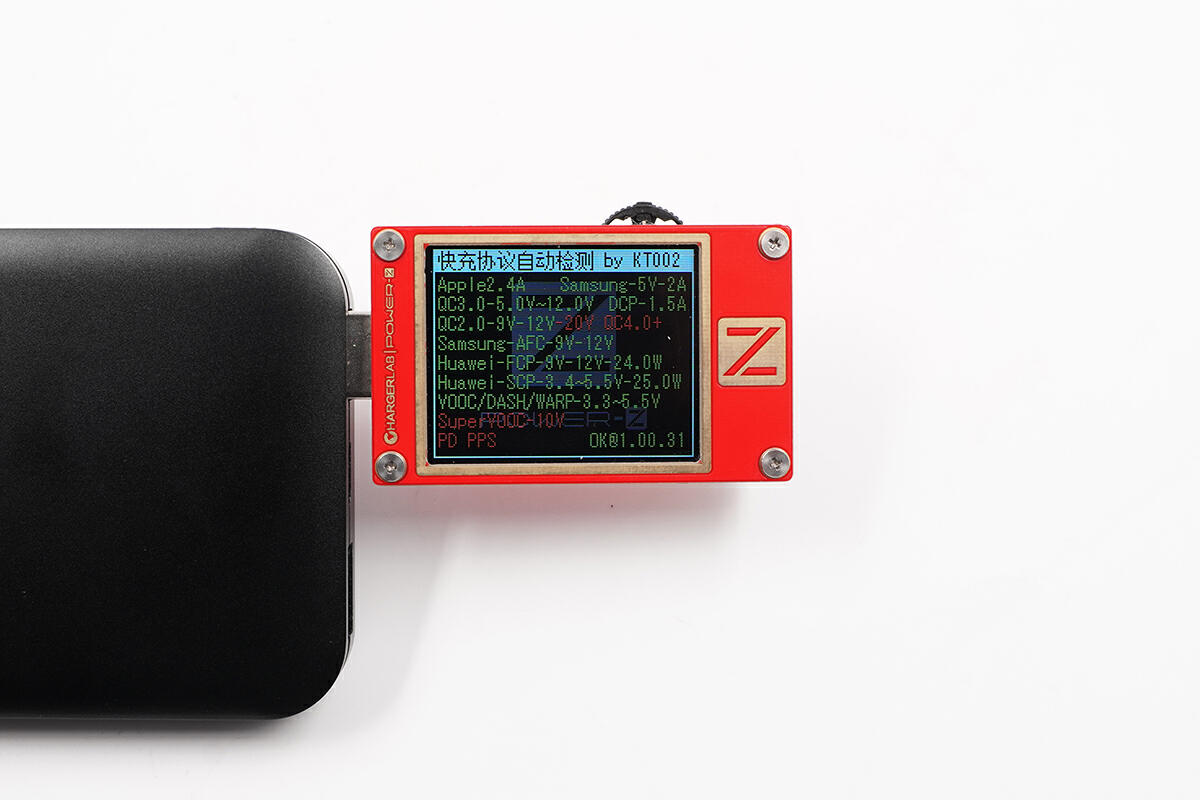
Finally, let's test it on a power bank. Take this all-protocol power bank for example. Its USB-A port supports VOOC series protocols.
Summary of ChargerLAB
The ChargerLAB POWER-Z KT002 is a versatile USB tester that allows you to measure voltage, current, power, and capacity. It also has a protocol detection feature that can identify the fast charging protocols supported by a charger or power bank, just like our KM003C!